For personal growers
A grow journal that helps decide what comes next
Take your growing seriously without hunting through notebooks and camera rolls. Keep your feeding schedule, photos, readings, and finished tasks in one timeline, so this run's lessons survive to the next run and you can repeat what worked.
Free account. No payment card required. Your content stays yours.
See the notes behind each timeline point
A starting photo, an observation, a change and a follow-up, together in one journal. Open the sample and select a point to read its entry.
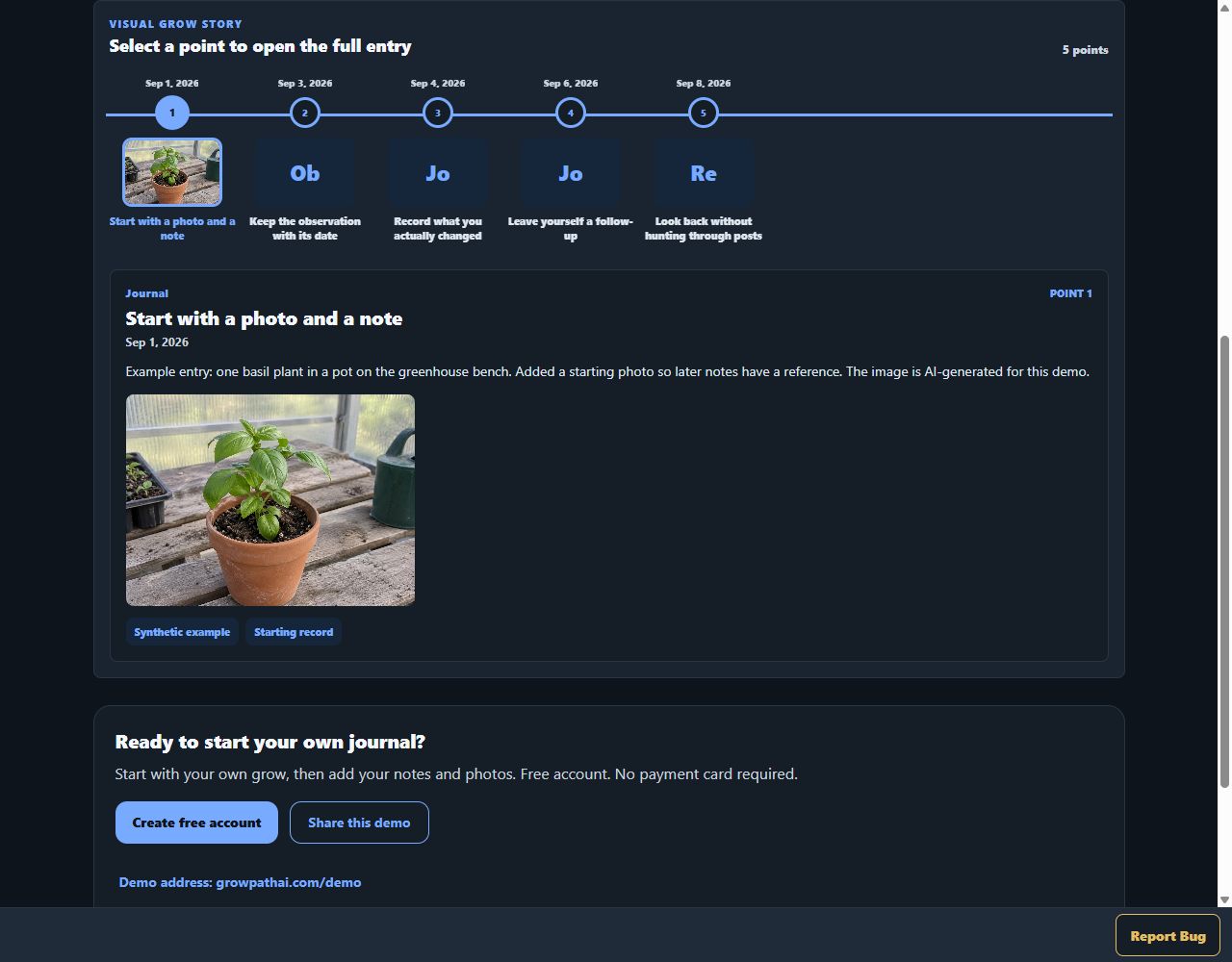
Actual GrowPathAI interface, shown with synthetic demo data. Not a customer grow or a claimed result.
Try the sample journal — no signupStart with what you actually observed
Plant Diagnose asks for crop identity, symptom location, progression and measurements before you run a review. Missing context stays unknown instead of becoming a guessed reading.
Actual staging interface, captured October 5, 2026. The basil notes are a synthetic, unsent example. No AI analysis was run; this is the input screen, not a diagnosis result or treatment recommendation.
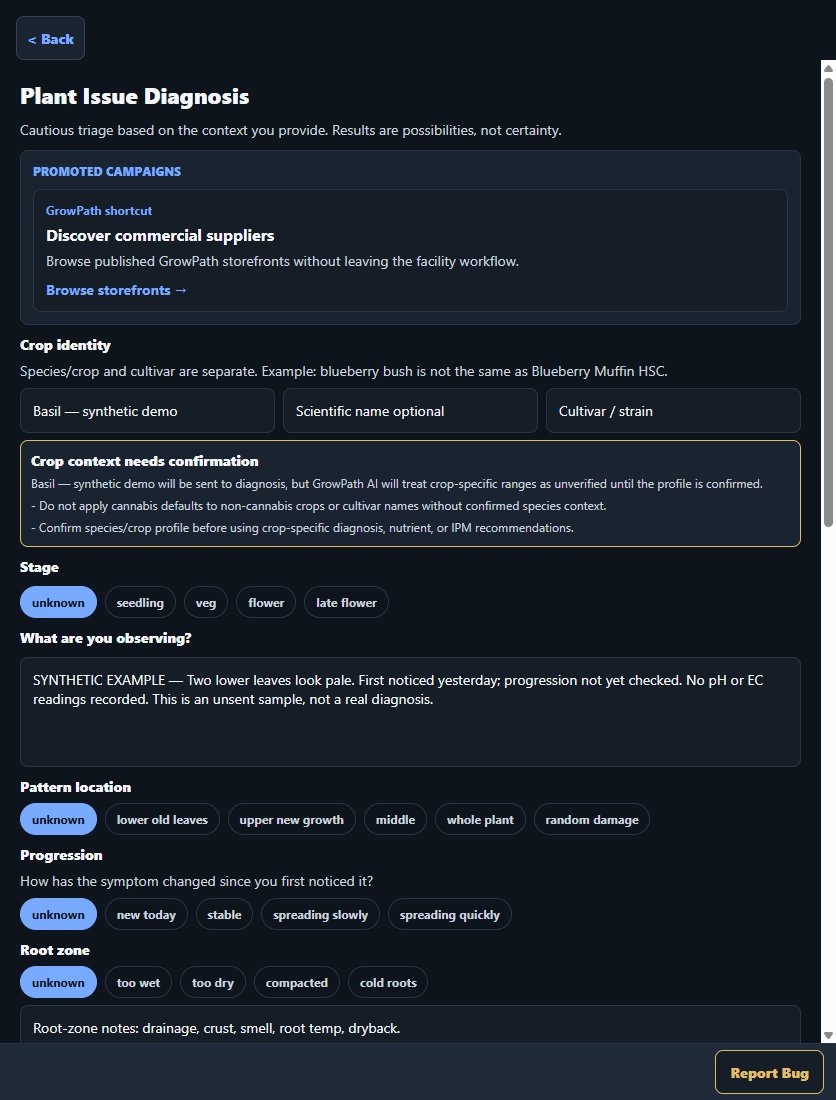 Open full-size diagnosis form screenshot
Grow your way
Support for tents, rooms, greenhouses, containers, raised beds, hydroponics, living soil, fruit trees, vegetables, flowers, and other selected interests. Record the crop and lifecycle you know, use reviewed guidance where available, and keep uncertain details marked Not sure. Carry the saved context into an editable grow lifecycle plan and review the proposed dates before creating tasks.
Bring your controller history with you
Import supported controller CSV history into a selected Personal grow. Review the provider, grow or space, timezone and column mapping first, then return to the saved readings alongside that grow's records. This imports historical readings; it does not promise live connection or control of every device.
Turn advice into a next step
Ask AI from a grow, plant, log, task, or photo so the relevant stage and recent history can travel with the question. Review a saved tool result, choose Save to Grow Log or Create Task, and reopen the source when you need to remember why you planned the task. You choose the action; AI use follows your plan's credit allowance.
Keep a useful record
Review what you fed, what you saw, and what you changed so you can repeat what worked and remember what you would do differently. On an eligible paid plan, use your Personal web workspace to export a timeline PDF with dated notes and permitted photos, alongside supported CSV and viewer-friendly HTML exports. Review the included records before sharing. A timeline PDF is not a complete original-photo backup.
Your records, your decisions
GrowPathAI keeps records and helps you review them. It is not an automatic grow controller, a guarantee of plant health or yield, or a substitute for professional advice. Storefront sales depend on seller, product and buyer eligibility.
See exact limits, exports, and data-ownership answers