Read-only product demo
Explore GrowPathAI before you sign up
Explore Free, Pro, Commercial and Facility highlights with real interface screenshots, then try five example journal entries. No account needed. All example records are synthetic.
Explore by account type
Choose the work you want to do. These are guided highlights with screenshots, not signed-in workspaces. The interactive sample journal follows below.
One plant to track. Help around the house.
You do not need a grow room to use GrowPathAI. Keep a journal for one plant you want to follow closely, and use the available plant-care tools for questions about plants around the house.
- Keep that plant's photos, observations and care notes together instead of searching your camera roll.
- Record watering and other care tasks, then look back at what you actually did.
- Use crop-neutral identification and plant-care tools without turning on cannabis content. AI actions use the displayed number of credits.
- Browse the community and courses, and explore stores without buying a paid subscription.
- Try the five-point journal below and see how a reviewed, read-only timeline can be shared.
Free includes 1 tracked grow, 1 tracked plant and 5 AI credits per week. Other plants do not become additional tracked records, and AI use is not unlimited. No payment card is required.
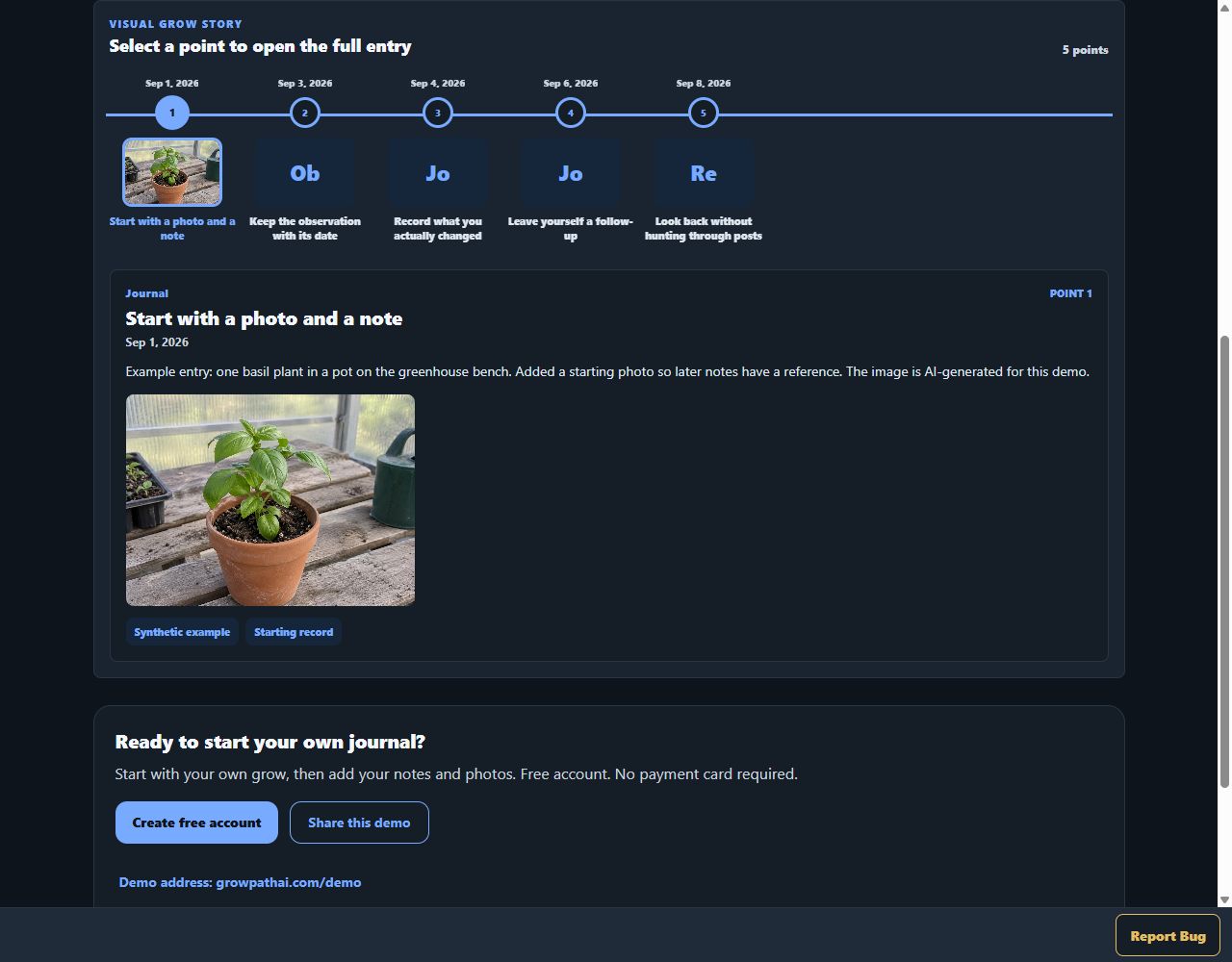
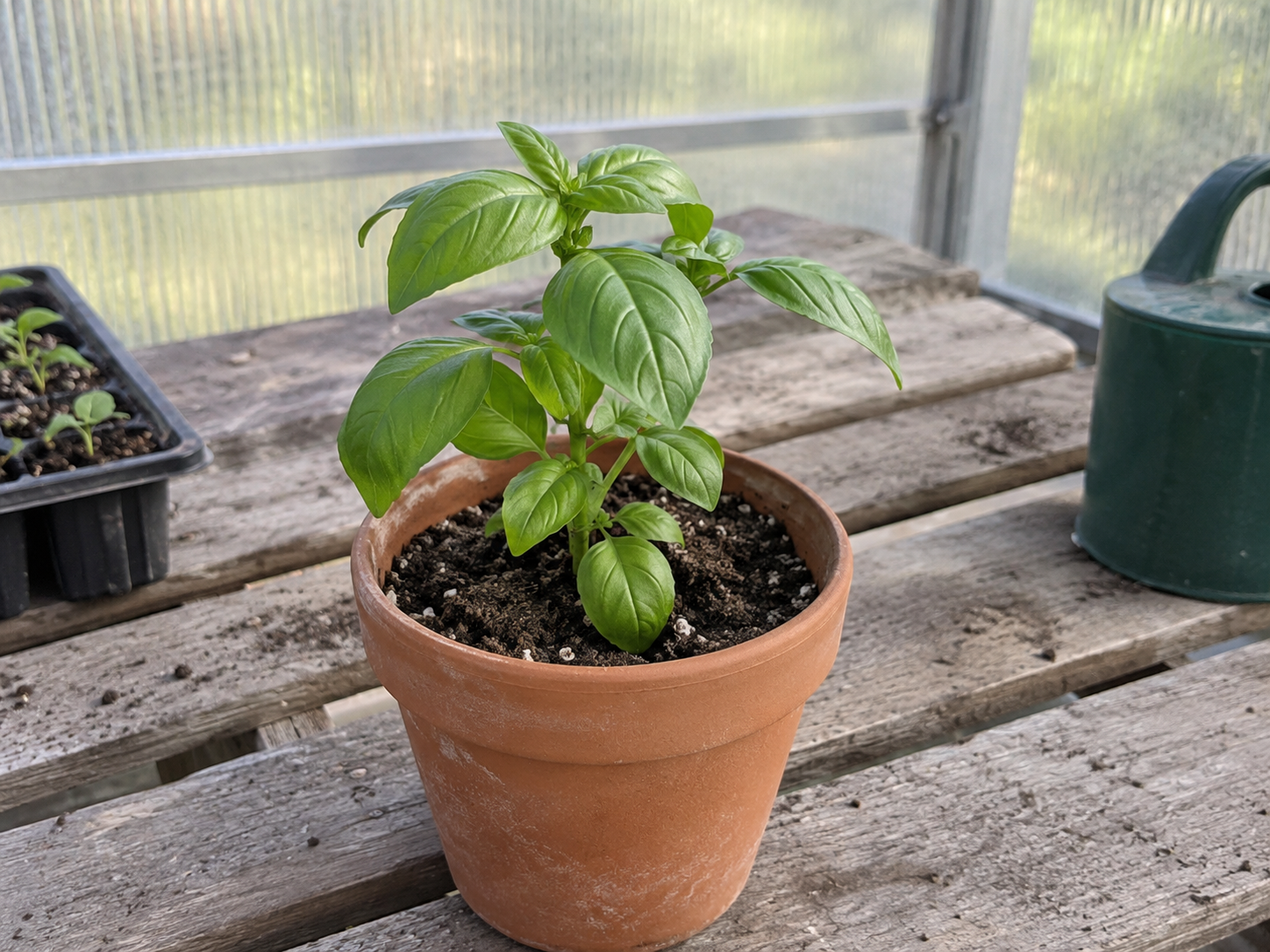
Actual GrowPathAI interface with synthetic journal data. The basil image is AI-generated, not a customer grow or a claimed result.
Open full-size Free · around the house screenshot
Explore personal growingKeep more plants and runs organized
For a growing collection or several runs, Pro keeps the same personal workflow with more room and a larger AI allowance.
- Track photos, feeding notes, readings and tasks across multiple grows.
- Review earlier entries so the lessons from one run are available for the next.
- Bring observations and measurements to AI-assisted plant review instead of guessing missing context.
- Use supported timeline exports and reviewed sharing while keeping private records private.
- Keep access to community, course and shopping paths without a Facility workspace.
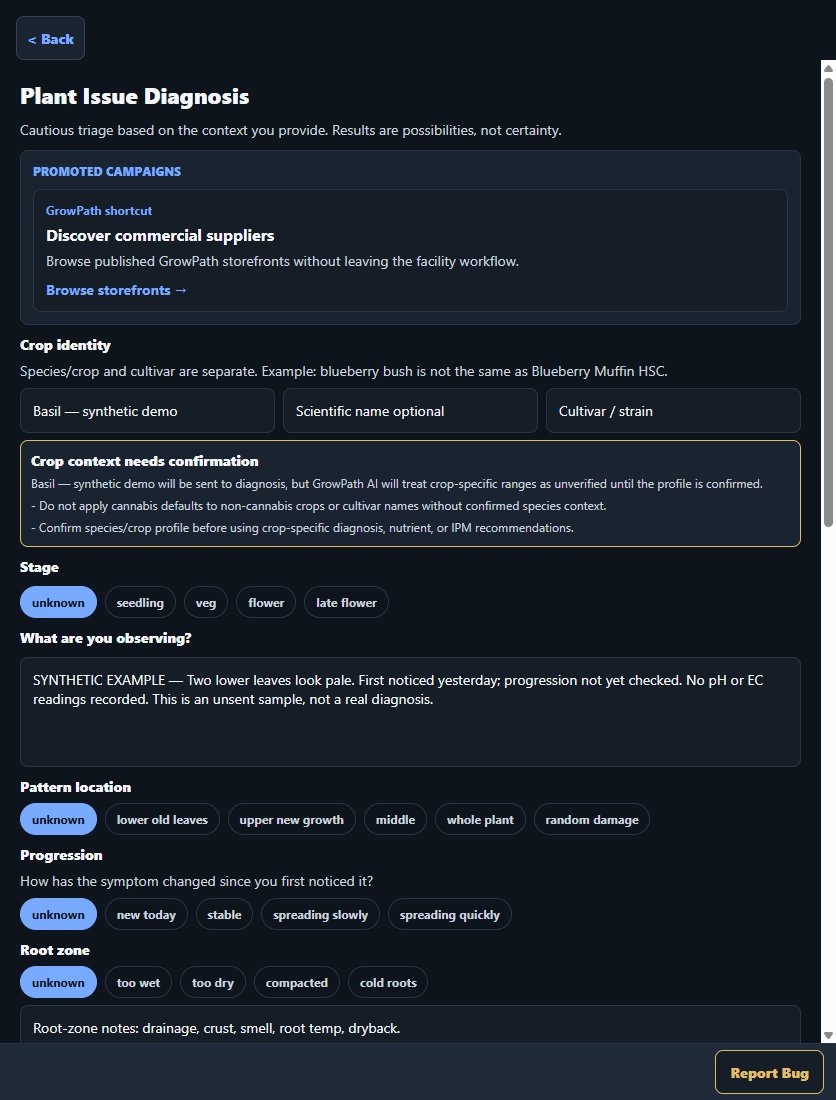
Pro includes 10 grows, 50 plants and 100 AI credits per week. A standard diagnosis uses 3 credits; check each action's displayed cost. This screenshot shows the intake form, not an AI result.
Actual staging interface captured October 5, 2026. Synthetic, unsent example: no AI analysis, diagnosis or treatment recommendation was produced. This form is not exclusive to Pro.
Open full-size Pro · more growing room screenshot
Compare Pro and Free allowancesConnect your growing work with your audience
For small businesses, brands, educators and influencers who need storefront and creator workflows alongside grow records.
- Organize product information and eligible storefront offers; review drafts before publishing.
- Build and share courses, with eligible free or paid access and saved lessons.
- Host Live sessions using existing broadcast tools such as OBS; GrowPathAI provides the hosted audience experience.
- Keep product trials, tasks and supporting records together in the Commercial workspace.
- Review the existing sales and activity summaries without treating download counts as payments.
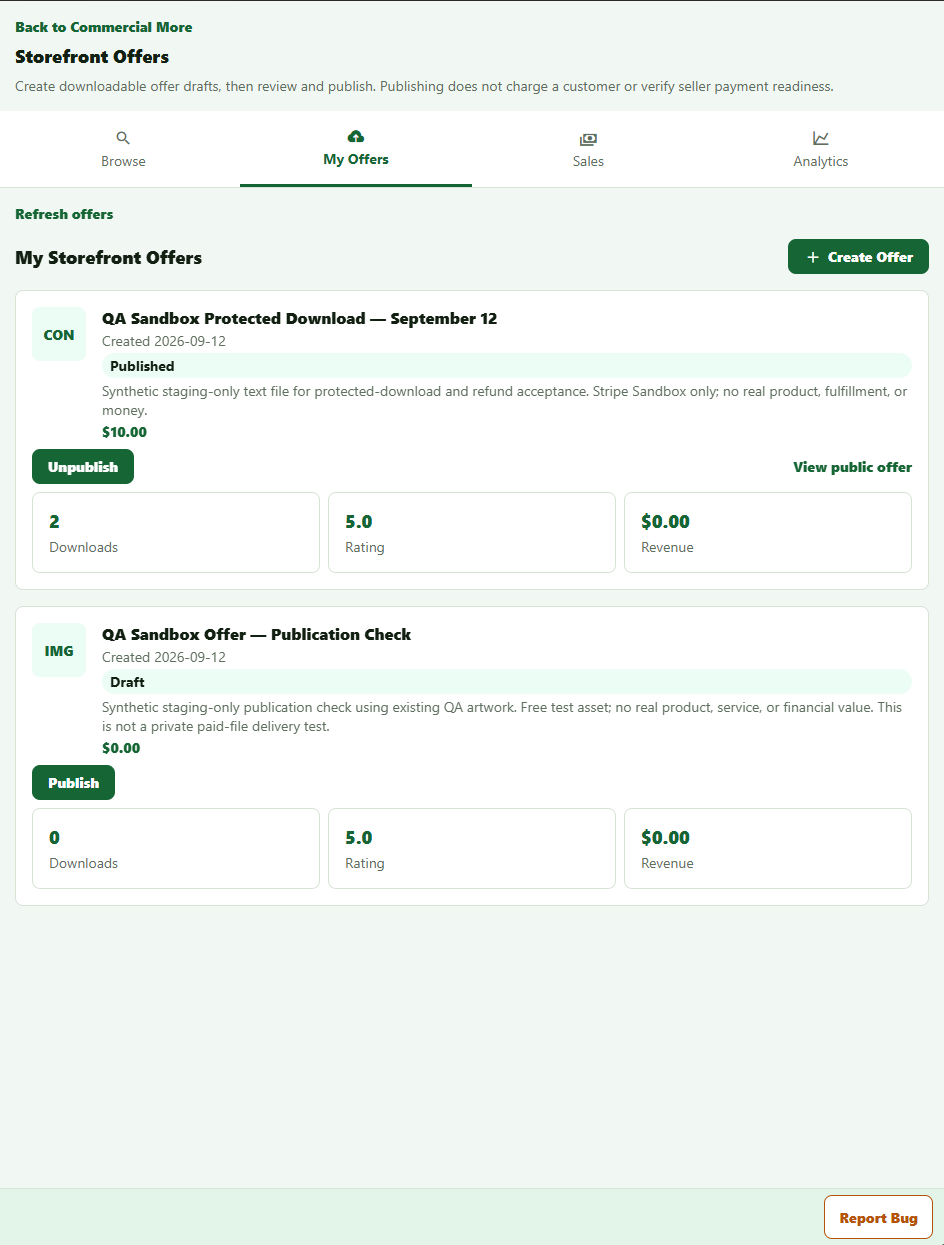
Commercial includes 50 grows, 500 plants and 500 AI credits per week. Publication does not verify payment readiness. Seller, product and purchase eligibility still apply. In-app guest backstage and course gifting are not part of this demo.
Owner-supplied staging screenshot captured October 1, 2026. Titles, prices, downloads and ratings are synthetic QA fixtures—not real sales, customer reviews or business results. Screenshot buttons are not interactive.
Open full-size Commercial · businesses & creators screenshot
Explore Commercial workflowsSee the work across rooms and your team
For teams that need shared operational records, assigned work and role-based access—not just a larger personal journal.
- Move from the dashboard into rooms, grows and plant records.
- Assign and review tasks with the team; access follows each person's role.
- Use SOP libraries and execution records to keep procedures and recorded work connected.
- Review inventory, recorded checks and supported reports and exports.
- Use team learning and available sensor-import workflows within their supported setup and permissions.
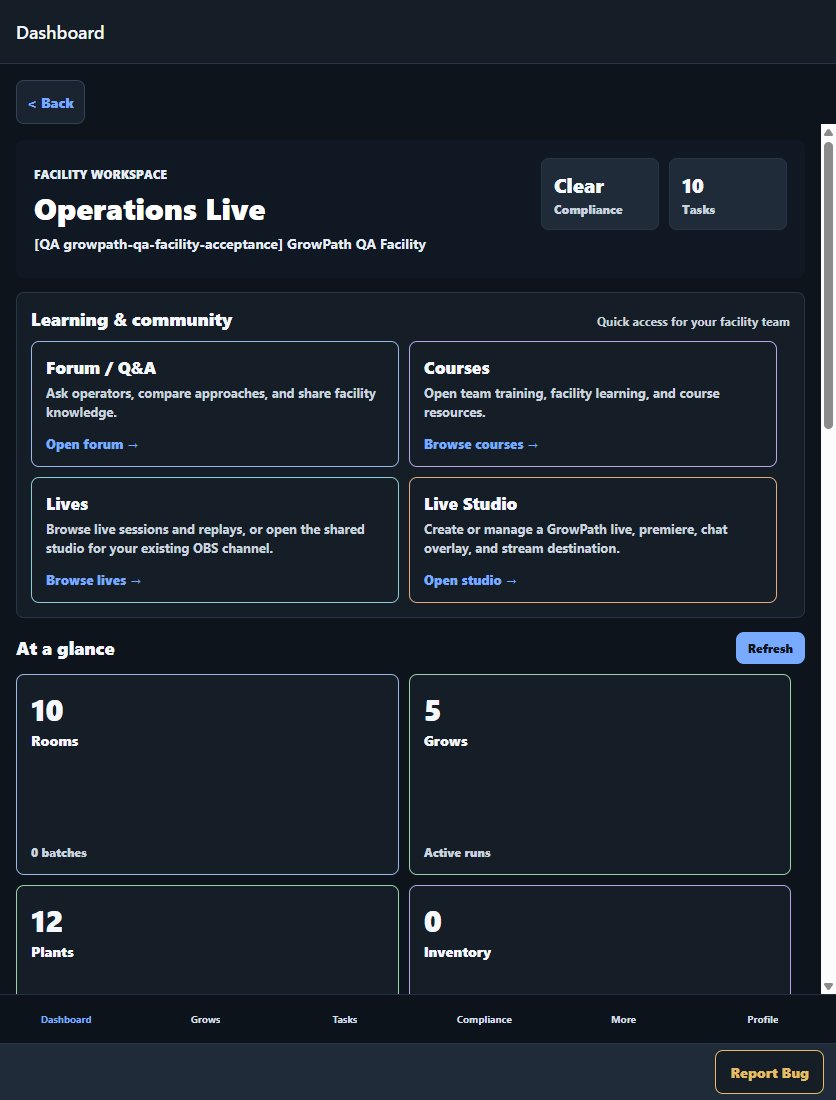
Facility includes 200 grows, 2,000 plants and a shared workspace pool of 2,000 AI credits per week. Recorded checks are not legal compliance certification. This preview does not expose a customer's workspace or grant operational access.
Actual staging interface captured October 5, 2026. Counts and recorded check statuses are synthetic test data, not customer usage, outcomes or compliance certification.
Open full-size Facility · teams & rooms screenshot
Explore Facility workflowsGreenhouse basil — sample journal
Synthetic demo — not a customer grow. Dates, notes and readings are invented examples. The basil image is AI-generated, not evidence of a real plant or result.
This sample cannot be edited and does not run AI tools or change your account. Open any entry below. The visual timeline is available with JavaScript.
Start with a photo and a note — Sep 1, 2026
Example entry: one basil plant in a pot on the greenhouse bench. Added a starting photo so later notes have a reference. The image is AI-generated for this demo.
Keep the observation with its date — Sep 3, 2026
Example entry: the pot felt lighter than at the last check. Wrote down that observation rather than assuming what caused it.
Record what you actually changed — Sep 4, 2026
Example entry: recorded a watering and a sample volume of 250 mL. This is made-up journal data, not a watering recommendation for your plant.
Leave yourself a follow-up — Sep 6, 2026
Example entry: next time, check the pot again and take a new photo from the same angle. No growth improvement or cause has been established in this sample.
Look back without hunting through posts — Sep 8, 2026
Example review: the starting photo, observation, watering note and follow-up are in one dated sequence. Select any earlier point to read it again. In your own account, you decide what to record and what to share.
Ready to start your own journal?
Free account. No payment card required.